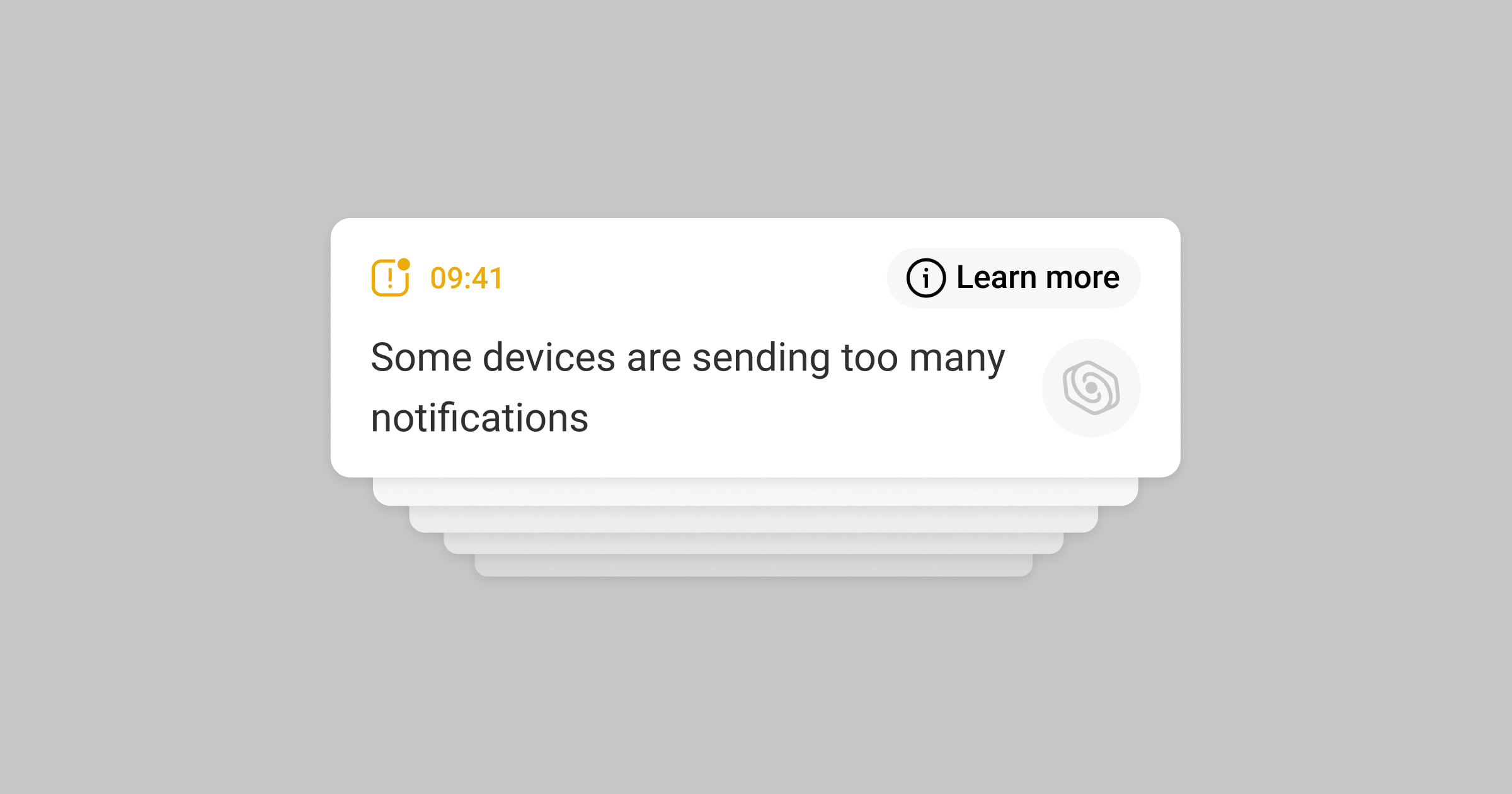
Ajax apps notify users of abnormal device behavior, such as when a device sends excessive alarm events within a short period of time. This helps identify installation issues or device malfunctions and reduce system load.
Operating principle
If a device sends 100 or more alarm events within 60 minutes, the system identifies its behavior as excessive alarm activity and:
- generates a dedicated event;
- sends a push notification to users;
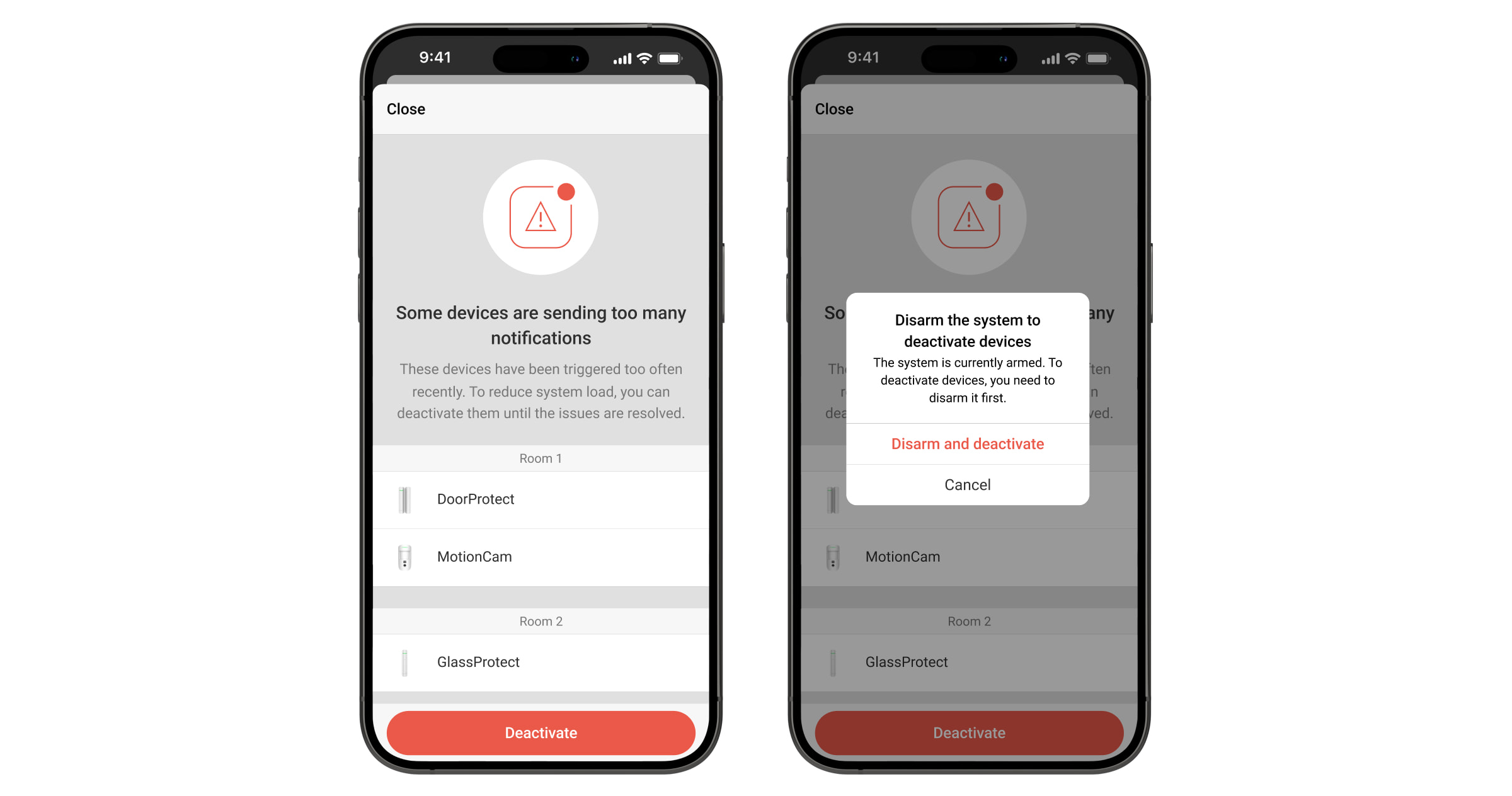
- displays a pop-up notification in Ajax apps for a user when they enter a space, suggesting either bypassing the device or resolving the issue.
The system detects excessive alarm events for all devices except video devices, smart locks, and EN54 Line devices.
Disabling the device’s alarm events does not require hub configuration and is available in Ajax apps of the following versions or later:
- Ajax Security System 3.38 (iOS/Android);
- Ajax PRO: Tool for Engineers 2.38 (iOS/Android);
- Ajax Desktop 5.38 (Windows/macOS);
- Ajax PRO Desktop 5.38 (Windows/macOS).
How to disable alarm events

Before bypassing the device, first identify and resolve the cause of excessive alarms, such as incorrect installation, environmental factors, or device malfunctions. If this is not possible, bypass the device.
To disable the device’s alarm events, in the pop-up notification:
- Tap Deactivate.
- If the system is armed, tap Disarm and deactivate.