Walk test is a special mode that allows testing alarm devices in the system to ensure all of them function properly. When in this mode, the system does not raise an alarm and send notifications to the monitoring station.
System requirements
All Ajax hubs running OS Malevich 2.35 or later, except for Hub (2G) Jeweller, support the Walk test mode.
Walk test can be performed only if at least one intrusion or fire detection device is added to the hub.
Standalone devices, such as video surveillance devices and smart locks, are not included in Walk test.
Operating principle
Walk test mode is designed to check the operability of all intrusion protection and fire alarm devices in the system. In this mode, you can trigger devices, and the system does not raise an alarm, activate sirens, make calls via voice modules, and send notifications to Ajax apps and monitoring stations.
In Walk test mode, the system records all the last triggerings of the corresponding devices and sensors, so you can make sure that all of them are functioning properly. Each recording includes the device name, room, device’s sensor type, and the date and time of the last triggering. The most recent triggering appears at the top of the list. The results are available in real time in Ajax apps, and they can be included in the Maintenance report of the system.
Once Walk test is activated or deactivated, the system sends the corresponding notification in Ajax apps and notifies the monitoring station with the CID/SIA codes:
- E607/TS — entering Walk test mode
- R607/TE — exiting Walk test mode
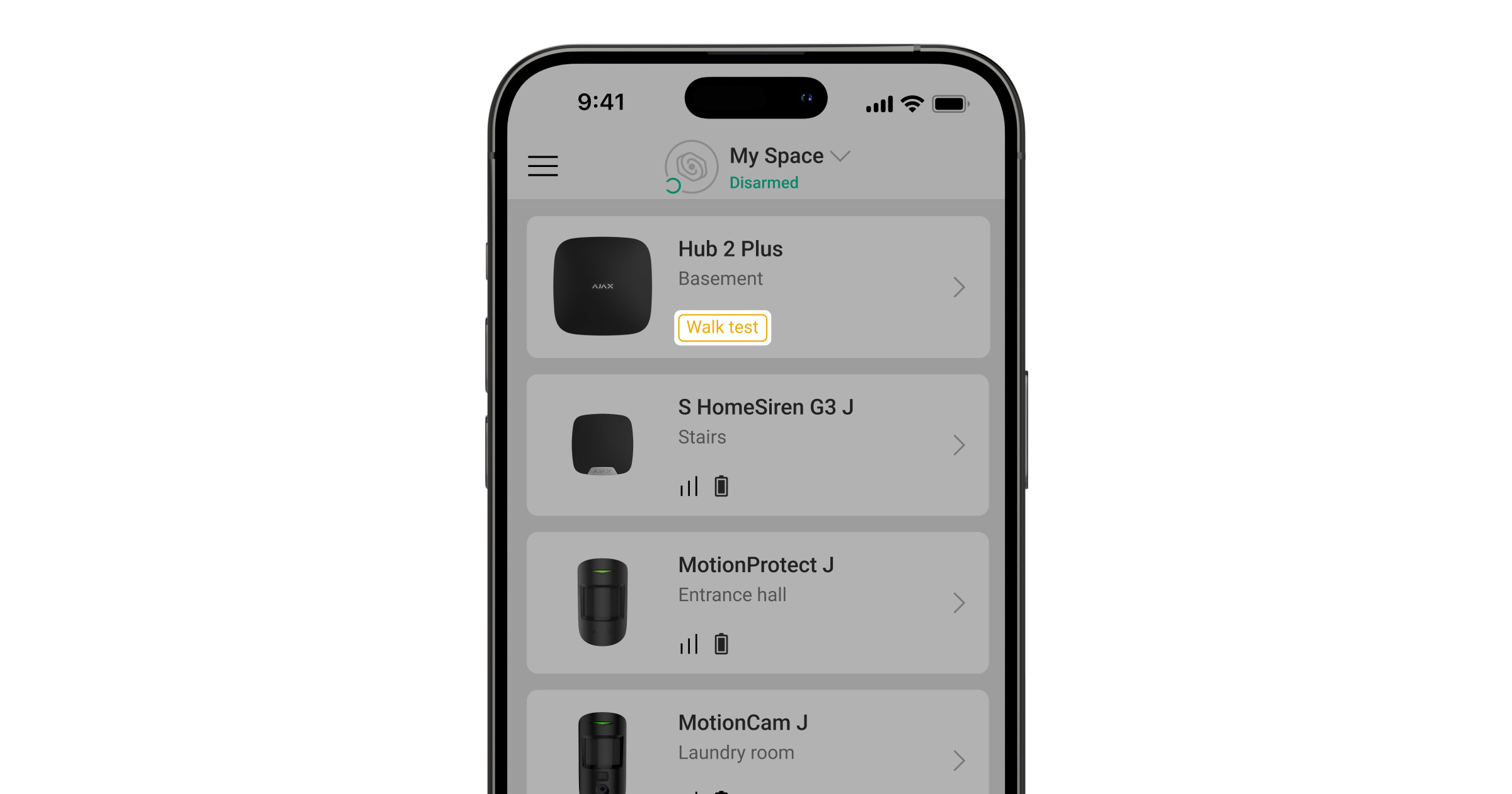
Additionally, the hub will have the Walk test label in Ajax apps when the mode is activated.
Walk test allows checking the operation of the following system components:
- Intrusion detectors (motion, opening, glass break, and seismic detectors, and their built-in masking sensors)
- Hold-up devices and Panic buttons (including panic buttons on keypads and key fobs, and smart buttons operating in the Panic mode)
- Fire and life safety devices (excluding manual call points and EN54 Line devices)
- Third-party alarm devices connected via Ajax integration modules (only if such devices operate in the Detect alarms and Roller shutter modes)

Note that in Walk test mode, the system continues to send tamper alarms and malfunctions to the monitoring station and Ajax apps.
Walk test cannot be started if:
- the system is armed
- the hub is in Battery power saver mode
- the hub or any device firmware updating is in progress
- any other test is currently running
When the Walk test is running, the system is restricted to perform the following operations:
- activate security modes (including Night mode) for the whole system or a certain group
- switch to the Battery power saver mode
- update the hub or any device firmware
- add or delete devices and scan Fibra lines
- run any other tests
Running Walk test
Any space user can initiate Walk test for the system.
Before running the test, ensure that the system is disarmed and that no firmware updates or other tests are running at the moment.
To start Walk test, in an Ajax app:
- Select the required space or object.
- Go to the Devices
 tab.
tab. - Select the hub and go to its settings
 .
. - Go to the Walk test menu.
- Tap Start. Switching to the test mode may take up to 5 minutes.
Once Walk test is started, you can trigger each device to check its operability. The most recent triggering appears at the top of the list with the walk test results.
To finish Walk test, tap the Stop button. Also, the system will exit test mode once the Walk-test auto-exit time countdown has ended.

If the system is in Walk test mode when it should be armed by the security schedule scenario, the system immediately exits test mode and changes its security mode according to the scenario.