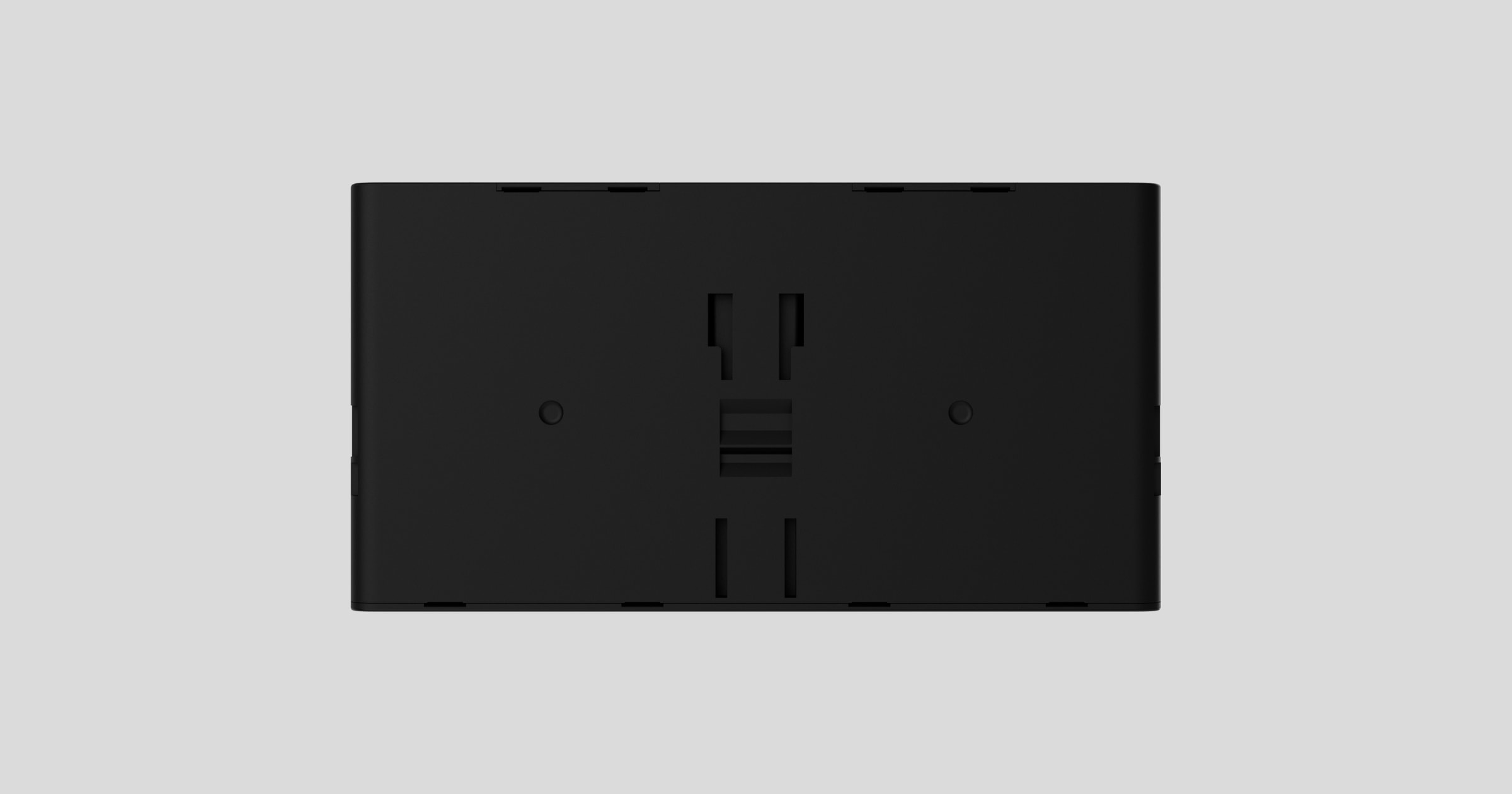
Superior Internal Battery is a rechargeable Li-ion battery designed for powering Superior Hub G3 Jeweller and Superior ReX G3 Jeweller. The battery is available in two versions:
- Superior Internal Battery (16h). It provides up to 16 hours of autonomous operation for the device.
- Superior Internal Battery (60h).It provides up to 60 hours of autonomous operation for the device.
Compatible hubs and range extenders
The battery requires a compatible Ajax hub or range extender to operate.
Operating principle
Superior Internal Battery (16h) and Superior Internal Battery (60h) are internal rechargeable batteries used as a backup power source for the Ajax hub and range extender.
Selecting an installation site
The battery must be installed only inside the Superior Hub G3 Jeweller or Superior ReX G3 Jeweller enclosure. When selecting the hub or range extender location, consider the factors that affect the battery operation:
- Operating temperature range.
- Permissible humidity level.
Consider the placement recommendations when designing your Ajax system. Only professionals must design and install the system. The list of recommended Ajax partners is available here.
Where not to install the battery
- In places with high temperatures. For example, near heat sources, such as radiators, heaters, direct sunlight, etc. High temperatures can cause battery overheating, rapid self-discharge, damage to its components, and even explosion or fire.
- In places with high humidity. Moisture can corrode the contacts or cause a short circuit.
- Near flammable materials. Never place the battery near flammable liquids or materials. Doing so increases the risk of fire or explosion, especially if a short circuit occurs.
Installation
Before installing the battery, ensure that you have selected the optimal hub or range extender location and read the Superior Hub G3 Jeweller or Superior ReX G3 Jeweller user manuals. It is recommended to install the battery when the hub or range extender is turned off, and its external power supply is disconnected.

During Ajax system installation and operation, follow the rules and requirements of regulatory legal acts on electrical safety.
Do not dismantle, open, or shred secondary cells or batteries. Do not insert your fingers, hands, or foreign objects into any battery gaps or openings, such as vents, terminals, etc.

Superior Hub G3 Jeweller and Superior ReX G3 Jeweller have a similar enclosure, so the battery installation process is the same for both devices.
Installing the battery
- Remove the SmartBracket mounting panel from the device. First, unscrew the holding screws and slide the panel down.
- Insert the battery into the backup battery slot inside the device so that the connectors align.
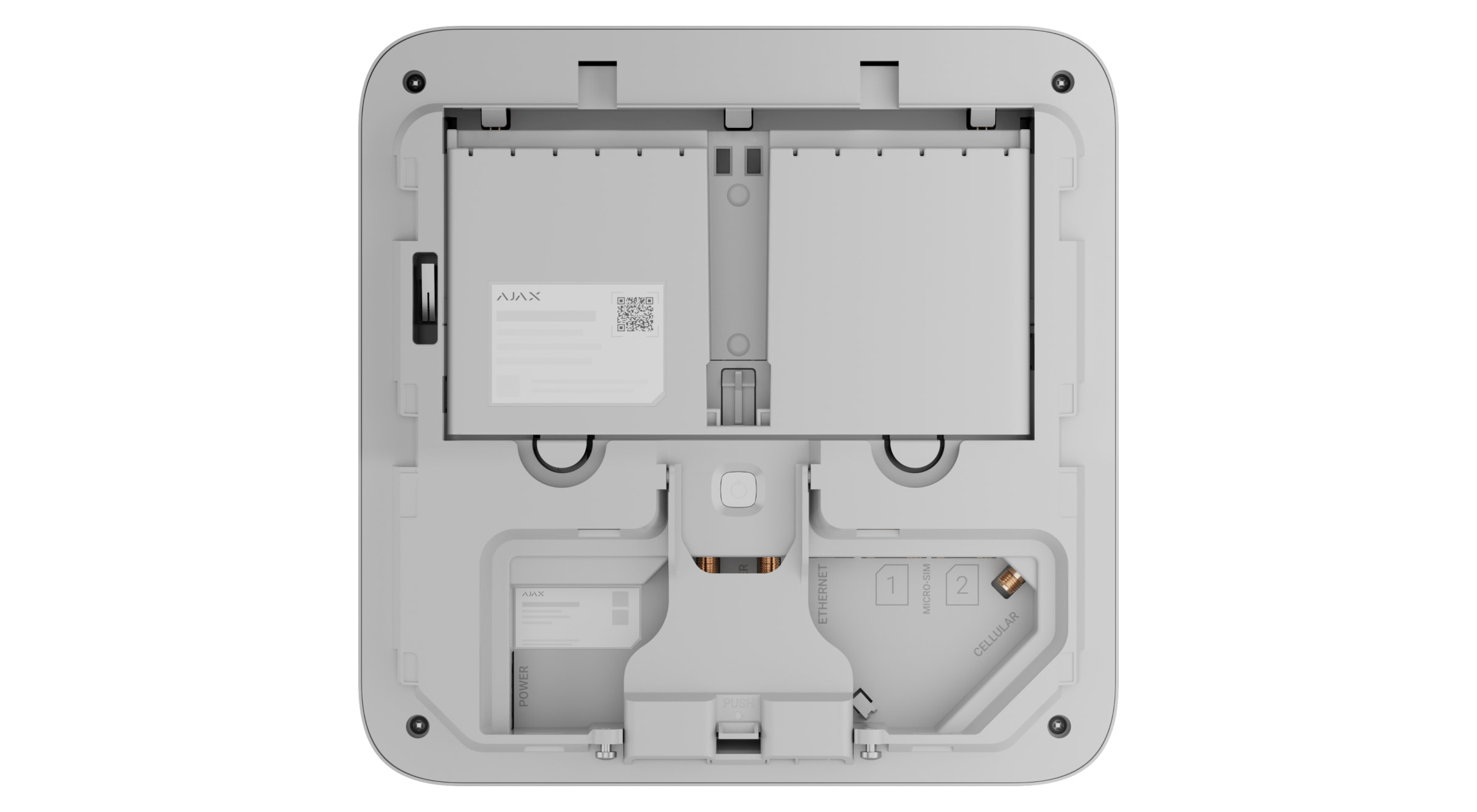
- Slide the battery up until the latches secure it in place.
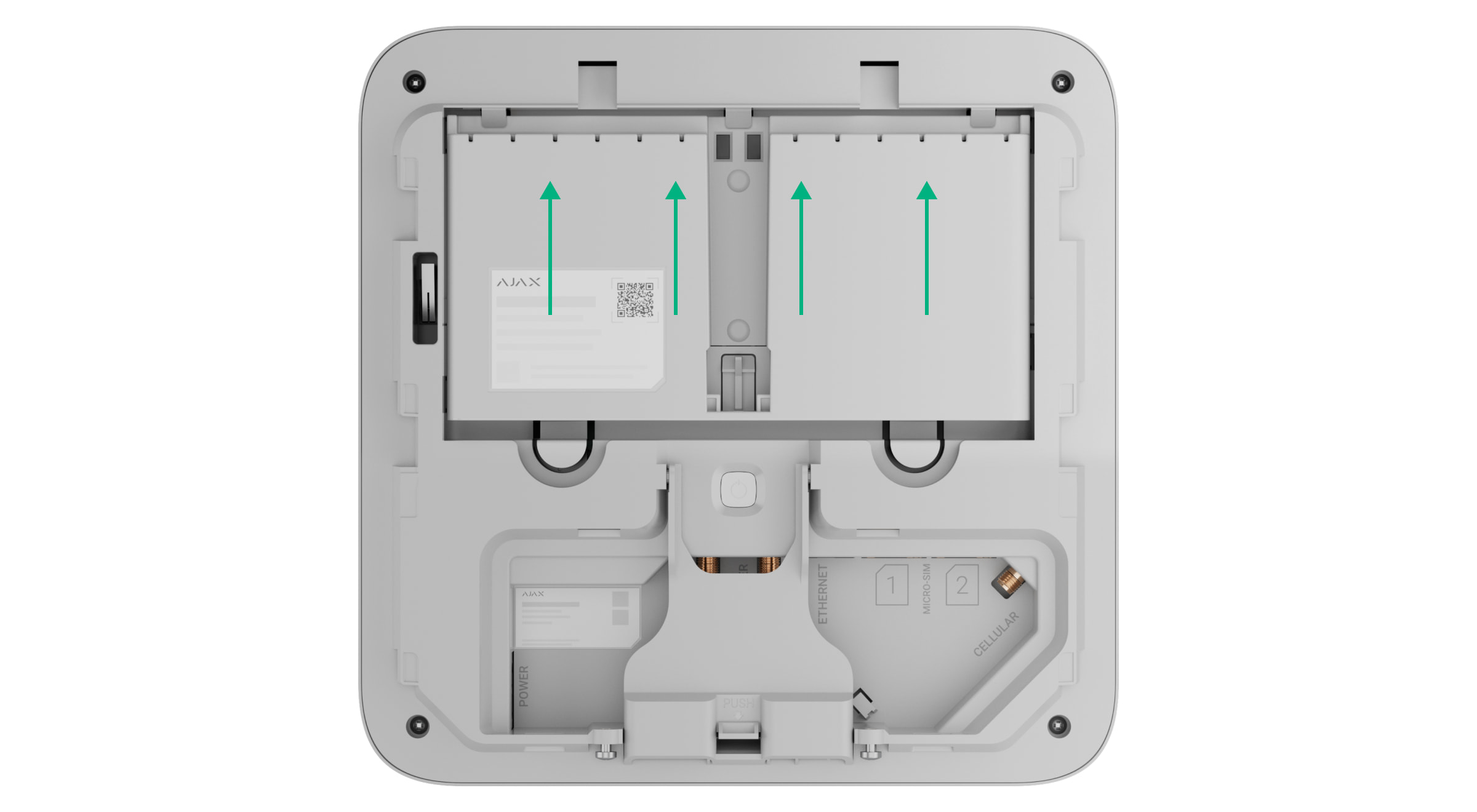
- Install the device on the SmartBracket mounting panel.
- Check the Battery charge state in the device states in an Ajax app.
Removing the battery
- Remove the SmartBracket mounting panel from the device. First, unscrew the holding screws and slide the panel down.
- Press the latches down and slide the battery downward.
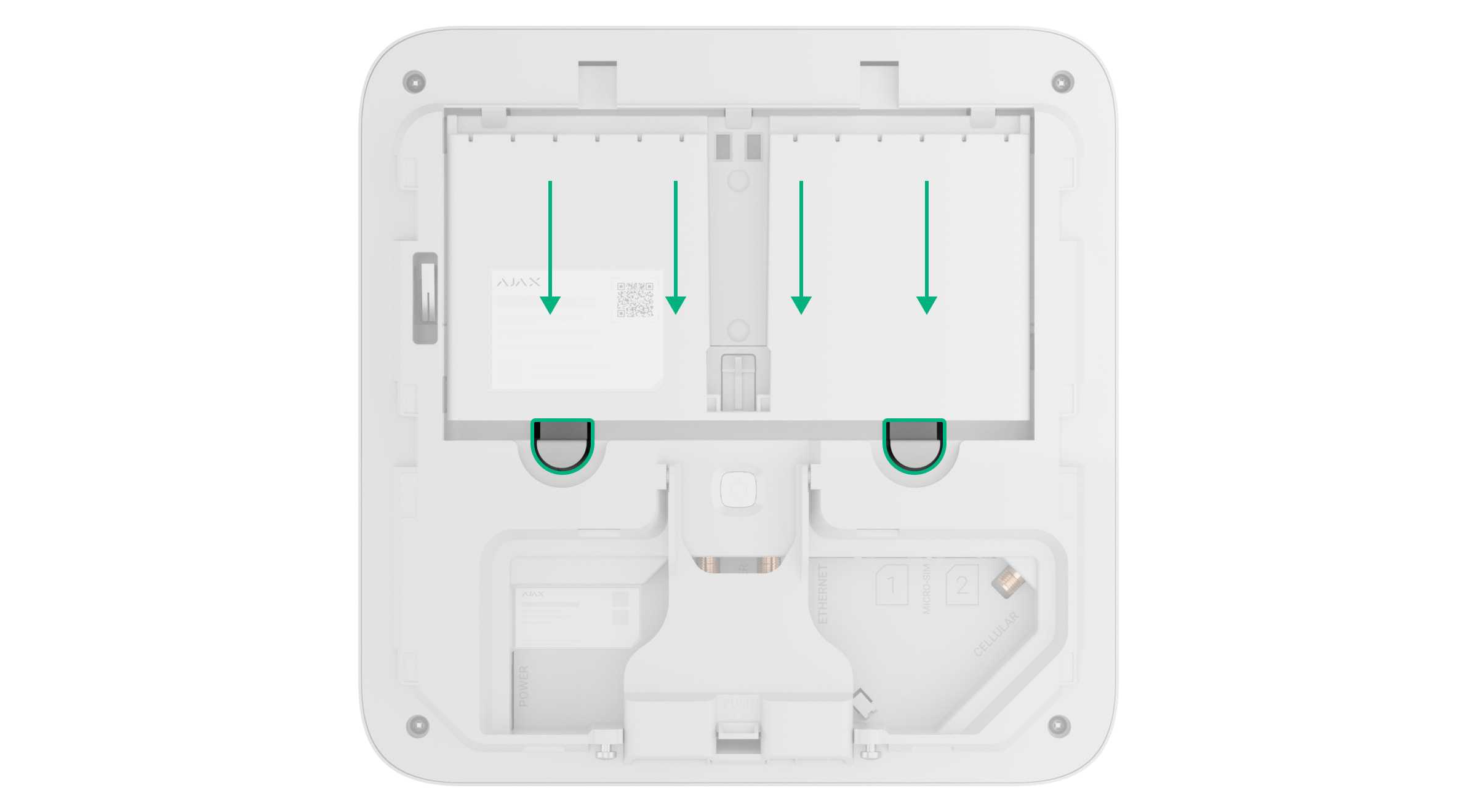
- Remove the battery from the device enclosure.
States
The hub and range extender states include information about the battery status. These states can be found in Ajax PRO app:
-
- Go to the Devices
 tab.
tab. - Select Superior Hub G3 Jeweller or Superior ReX G3 Jeweller from the list.
- Go to the Devices
Maintenance
Superior Internal Battery (16h) and Superior Internal Battery (60h) do not require maintenance. They can be charged after being installed into the hub or range extender powered by the main power supply.
When the battery is low, recharge it as soon as possible to prevent battery degradation.
If the battery is not in use, it should be stored charged at a temperature not exceeding 86 °F. This is necessary to reduce battery degradation.
Technical specifications
Warranty
Warranty for the Limited Liability Company “Ajax Systems Manufacturing” products is valid for 2 years after the purchase.
If the device does not operate properly, we recommend contacting Ajax Technical Support first. In most cases, technical issues can be resolved remotely.
Contact Technical Support:
Manufactured by “AS Manufacturing” LLC