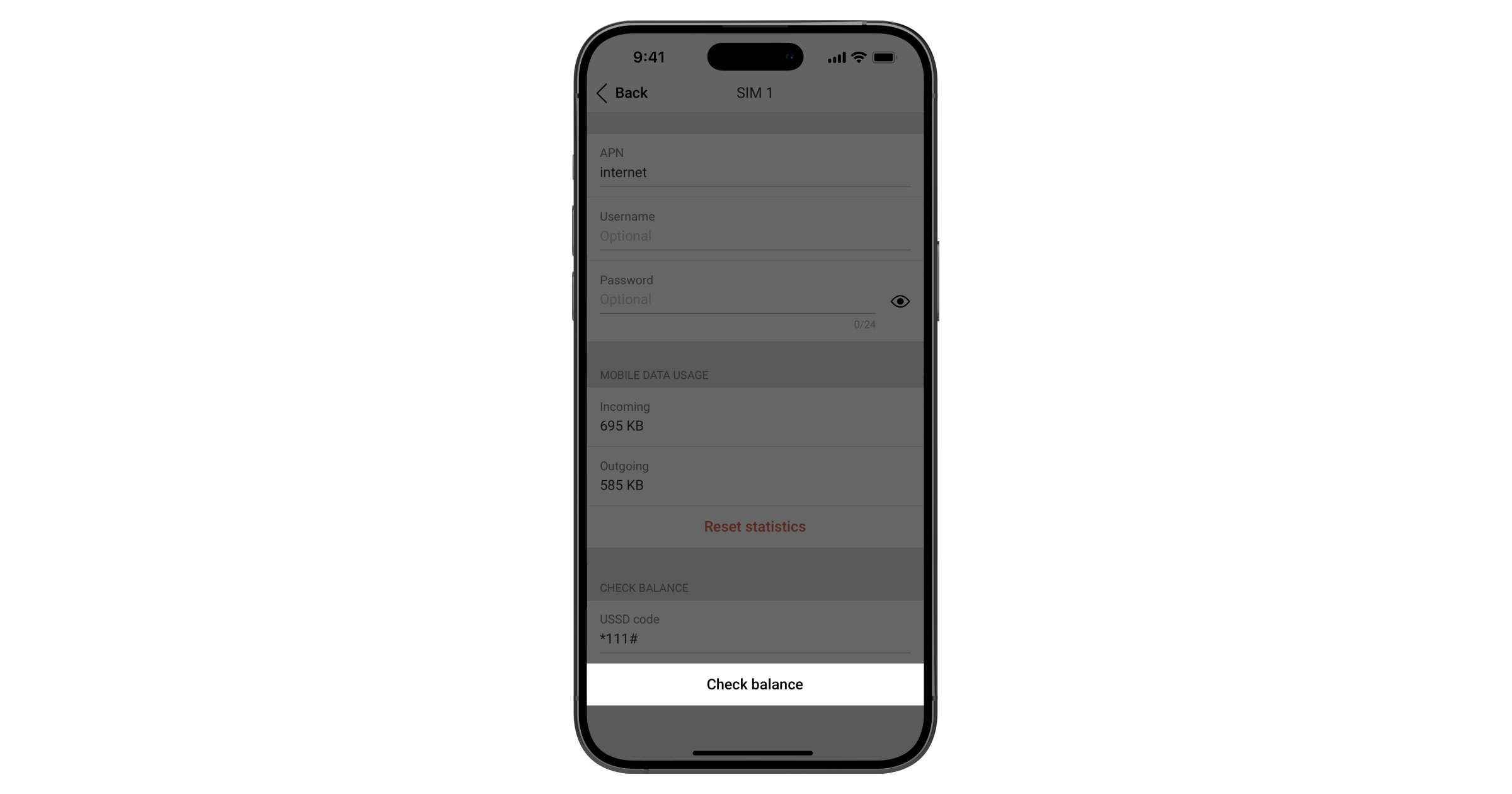
- Open the Ajax app and go to the hub settings:
Devices
 → Hub → Settings
  → Cellular
 - Select SIM card, enter the balance check USSD code (provided by your operator).
- Tap Check balance.
By application
Сommercial fire detection and alarm system Wireless Grade 3 solution Video surveillance solution Integration with Yale smart locksResidential
Commercial
Industrial
Municipal
Transport
Tools
Devices → Hub → Settings → Cellular
Only essential news about security and smart home devices
Please check your email to confirm your subscription
The user with this email has already subscribed
Contact [email protected]
Unexpected error, please try again later