- Open the Ajax app. Sign in to the account.
- Select the hub if you have several of them or if you are using the PRO app.
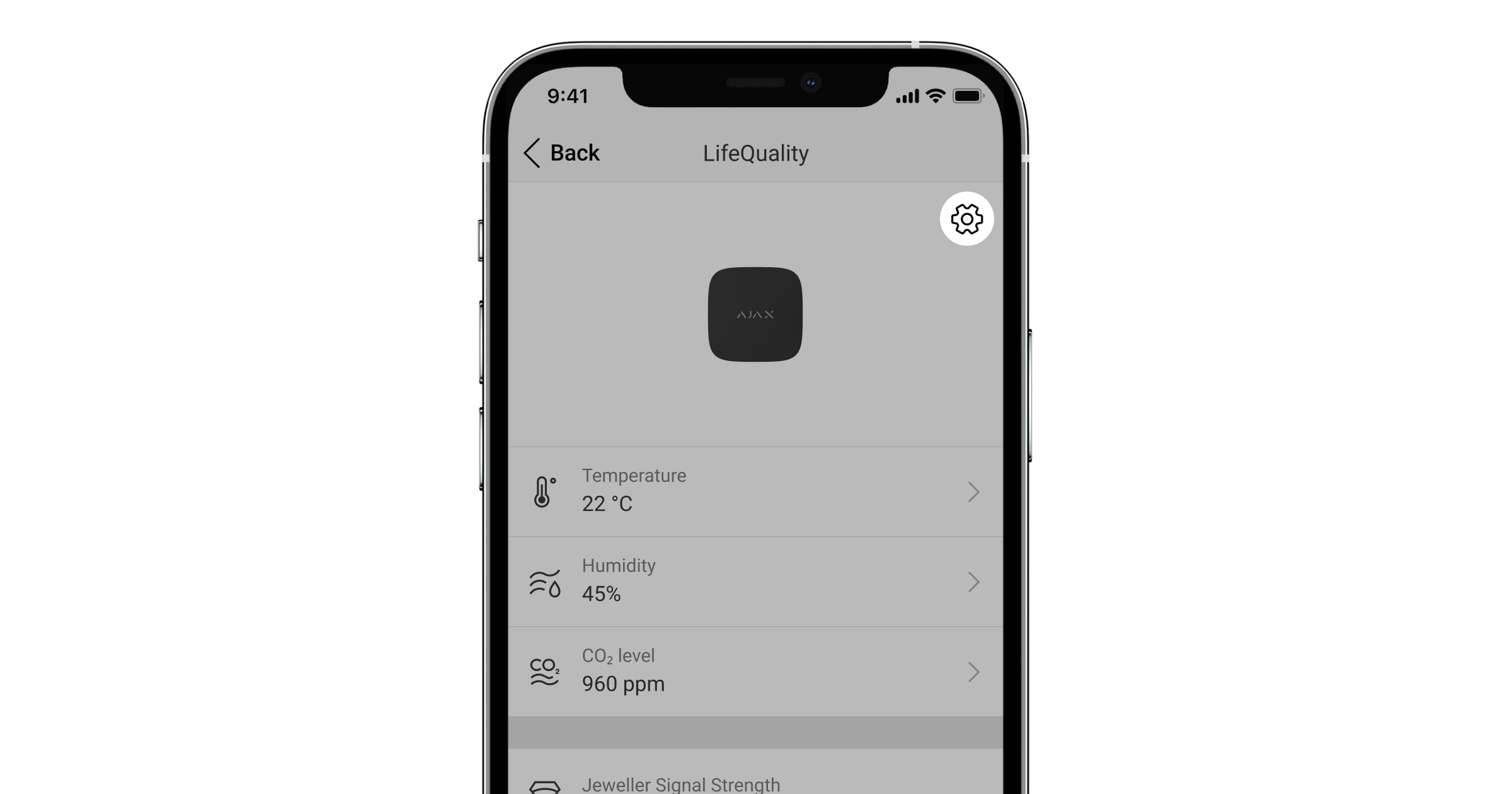
- Go to the Devices
 tab and select LifeQuality from the list.
 - Go to Settings by clicking on the gear icon
 .
.
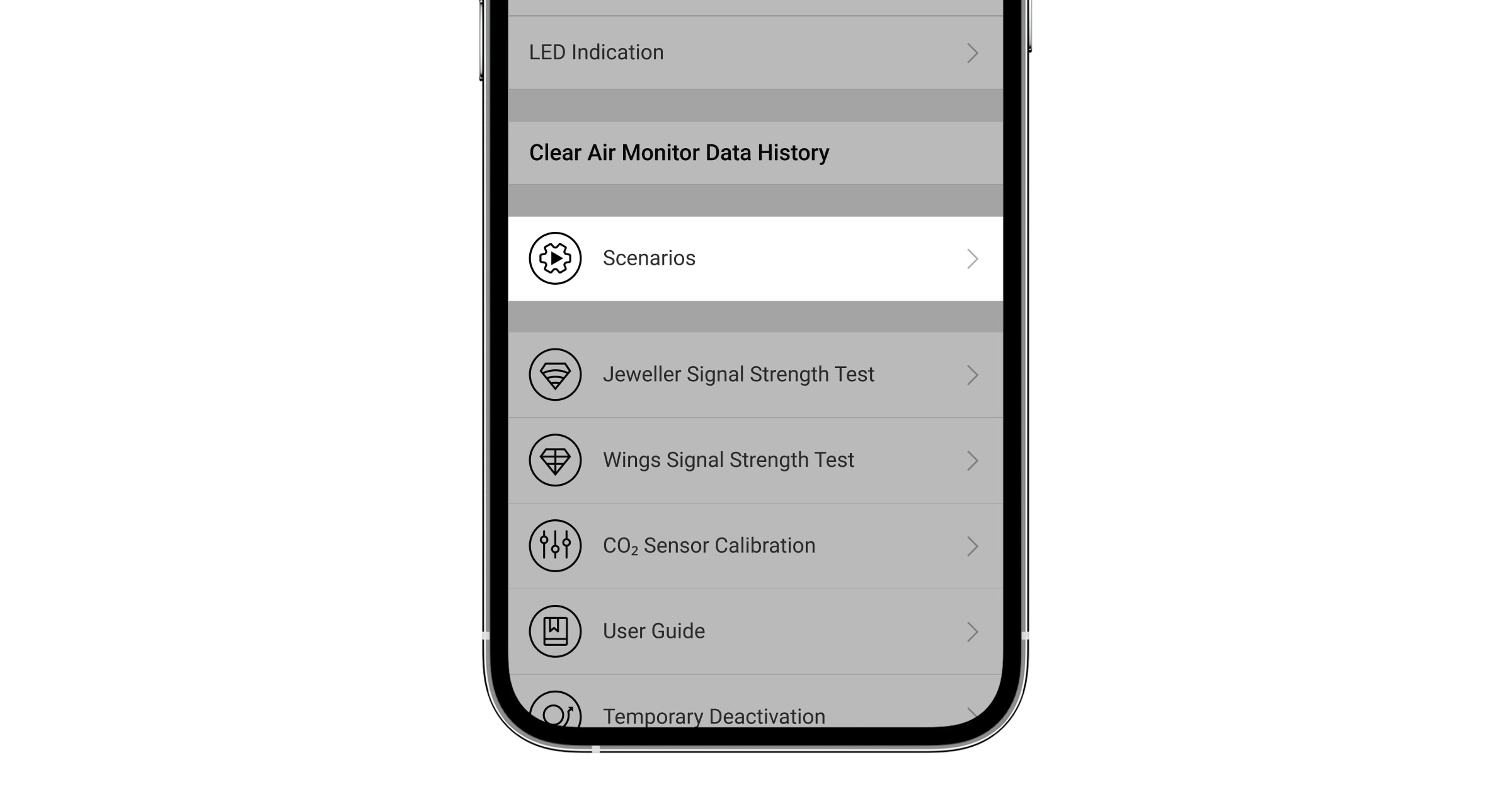
- Go to the Scenarios menu and select one of the indicators:
- Temperature.
- Humidity.
- CO2 level.
- Specify the value of the parameters:
- Higher Than or Lower Than to define the event that runs the scenario.
- The value upon which the scenario is triggered.
- Click Next.
- Select the necessary automation devices that should trigger when the reading goes beyond the limit specified in the scenario.
- Specify:
- Name of the scenario.
- Action of the automation device.
- Press Save.
How to set up a scenario by temperature, humidity, or CO₂ level
Updated