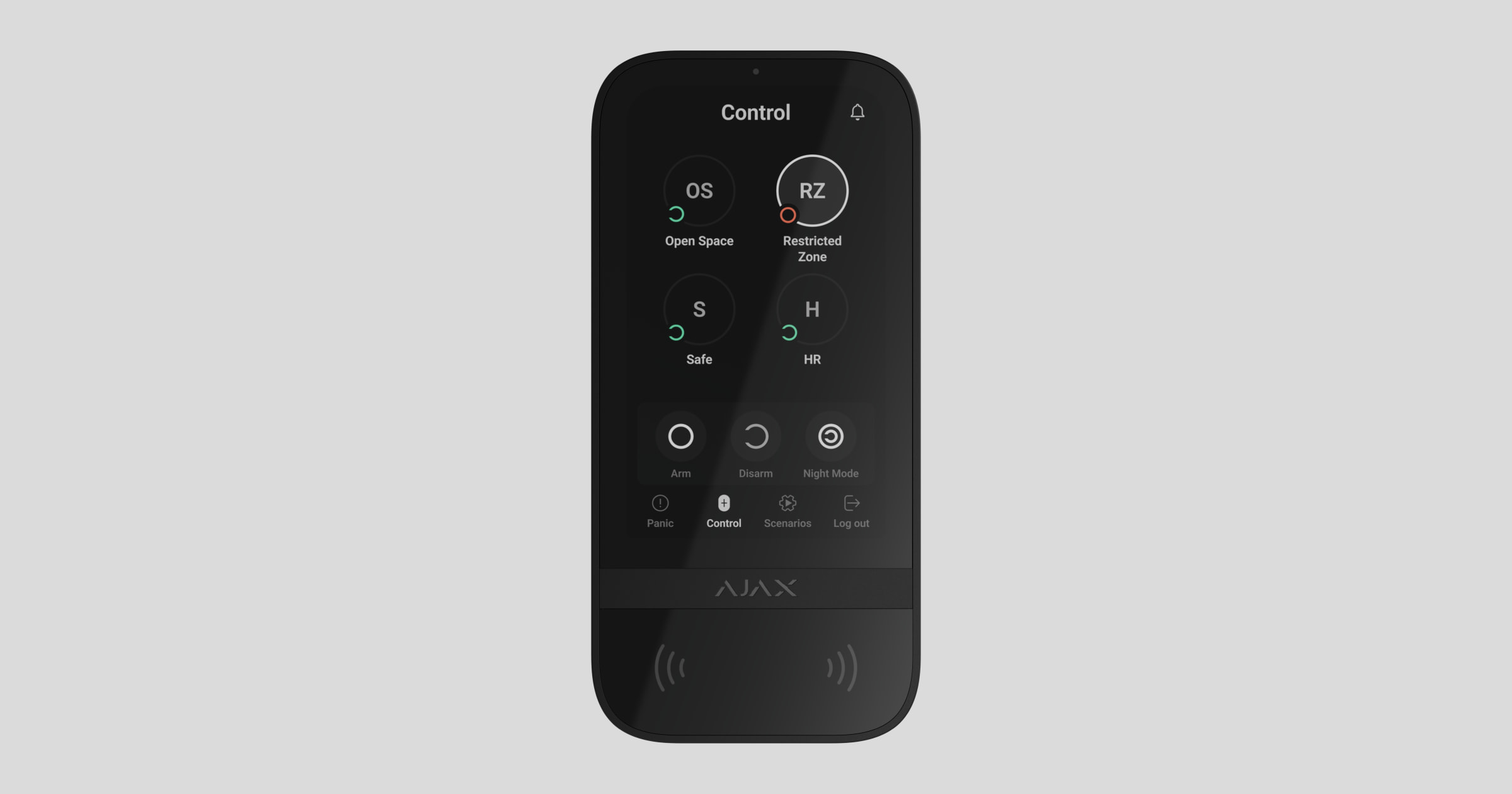
To replace the batteries in KeyPad TouchScreen:
- Unscrew the fixing screw at the bottom of the keypad.
- Remove the keypad from the SmartBracket mounting panel by gently pressing and sliding the enclosure upward.
- Turn off the keypad by pressing and holding the power button for 3 seconds. The keypad will confirm shutdown with the LED indicator (Ajax logo under the screen) flashing red three times.
- Unscrew the 4 screws using a PH0 screwdriver and remove the keypad’s back panel.
- Remove the old batteries.
- Install 6 new AA (1.5V) batteries following the correct polarity.

Do not use old, damaged, or rechargeable batteries.
- Reattach the back panel and secure it with screws.
- Turn on the keypad by pressing and holding the power button for 3 seconds.
- Check the battery status in the Ajax app. Note that battery status updates depending on the device’s ping interval; the default value is 36 seconds.
- Install the keypad back onto the SmartBracket mounting panel.
- Check the keypad’s operation after battery replacement by arming and disarming the system using the touchscreen.
- If the keypad operates correctly, secure it on the SmartBracket with the fixing screw.
If you have any questions or experience difficulties replacing the batteries, please contact Ajax Technical Support: