To remove the single Superior MultiRelay Fibra relay from the device list and Automation Menu:
- Go to the Devices
 tab.
tab. - Select MultiRelay from the list.
- Go to Settings by clicking on the gear icon
 .
. - Select the relay.
- Disable the Active toggle.
When the Active toggle is disabled, the relay does not execute system commands and scenarios and does not notify about events.
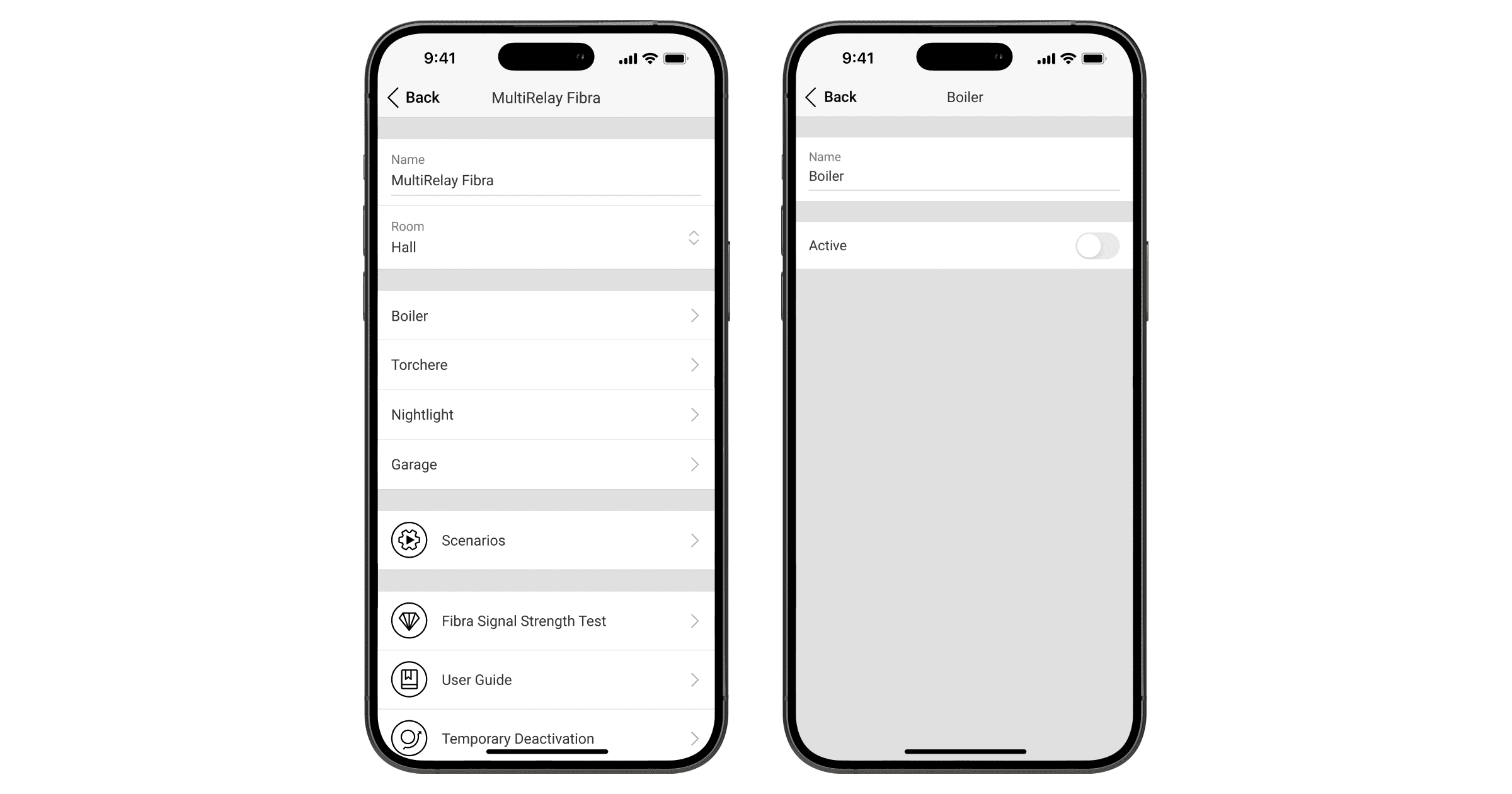
In the Superior MultiRelay Fibra states, the relay will change the state to Inactive. It will not be displayed in the device list and Automation Menu.