In the Ajax app:
- Select a hub if you have several of them or if you are using the PRO app.
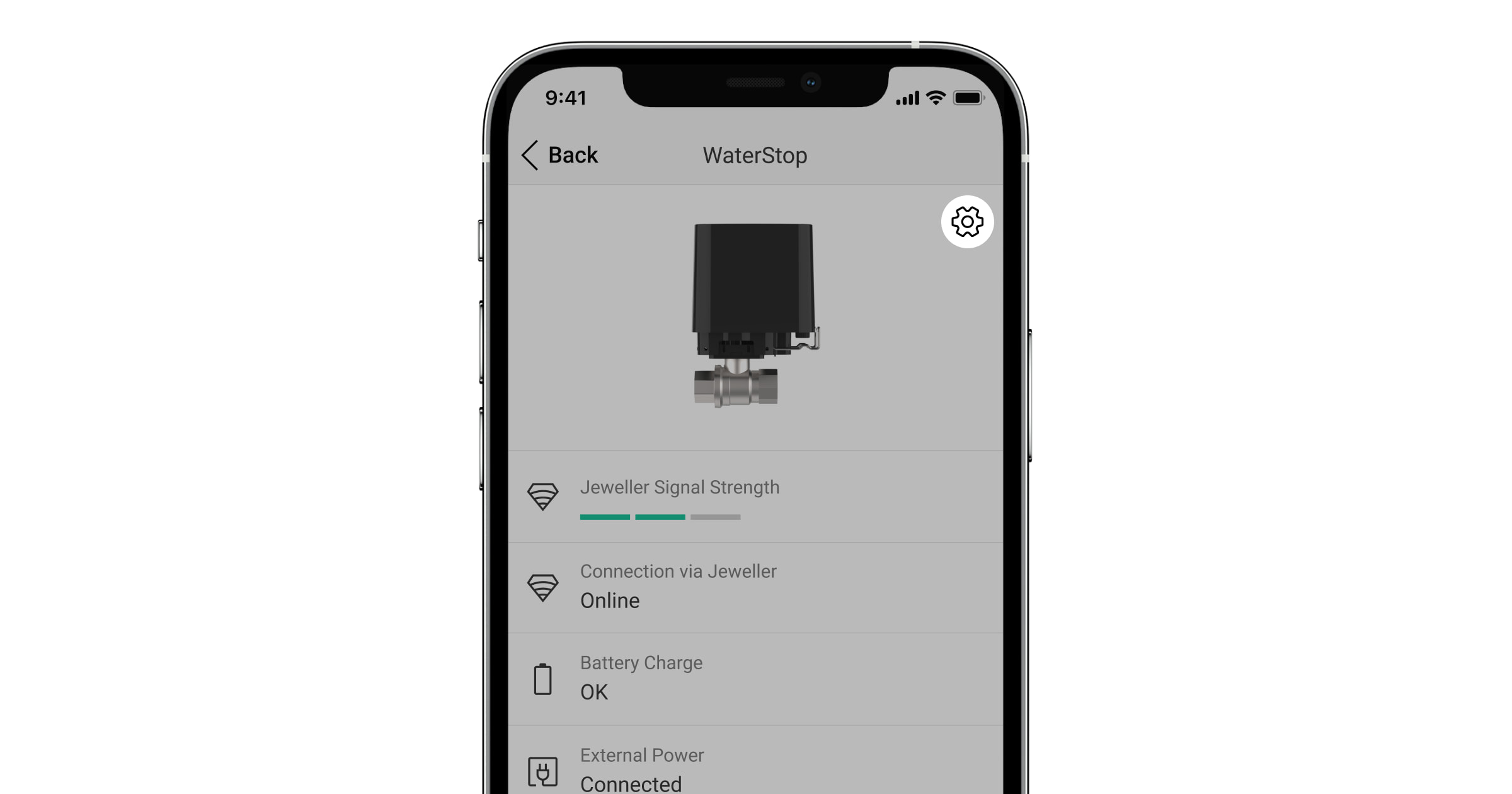
- Go to the Devices
 menu.
menu. - Select Ajax WaterStop in the list.
- Go to its settings by clicking on the gear icon
 .
.
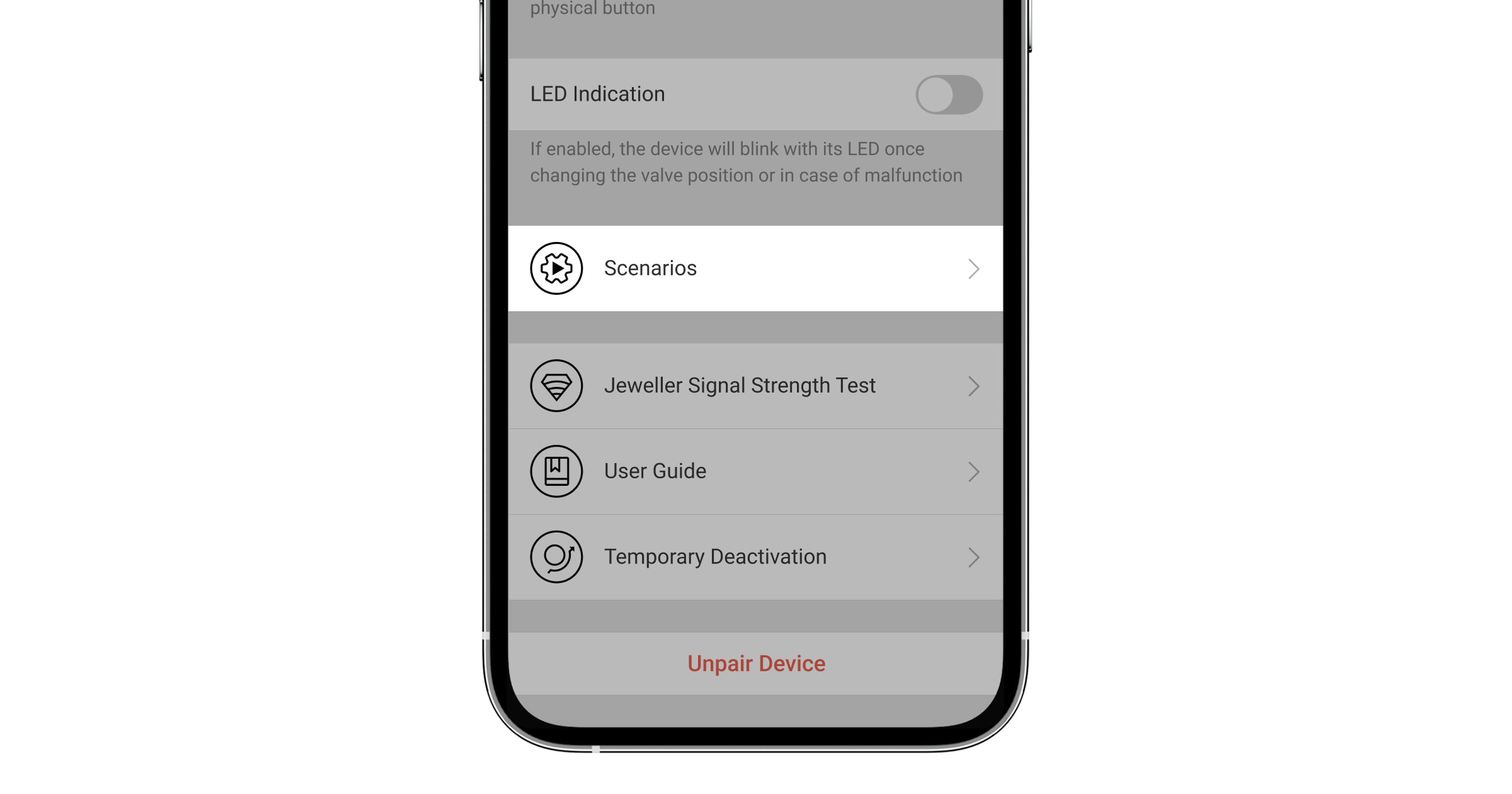
- Go to the Scenarios menu.
- Create a scenario following the prompts of the app.