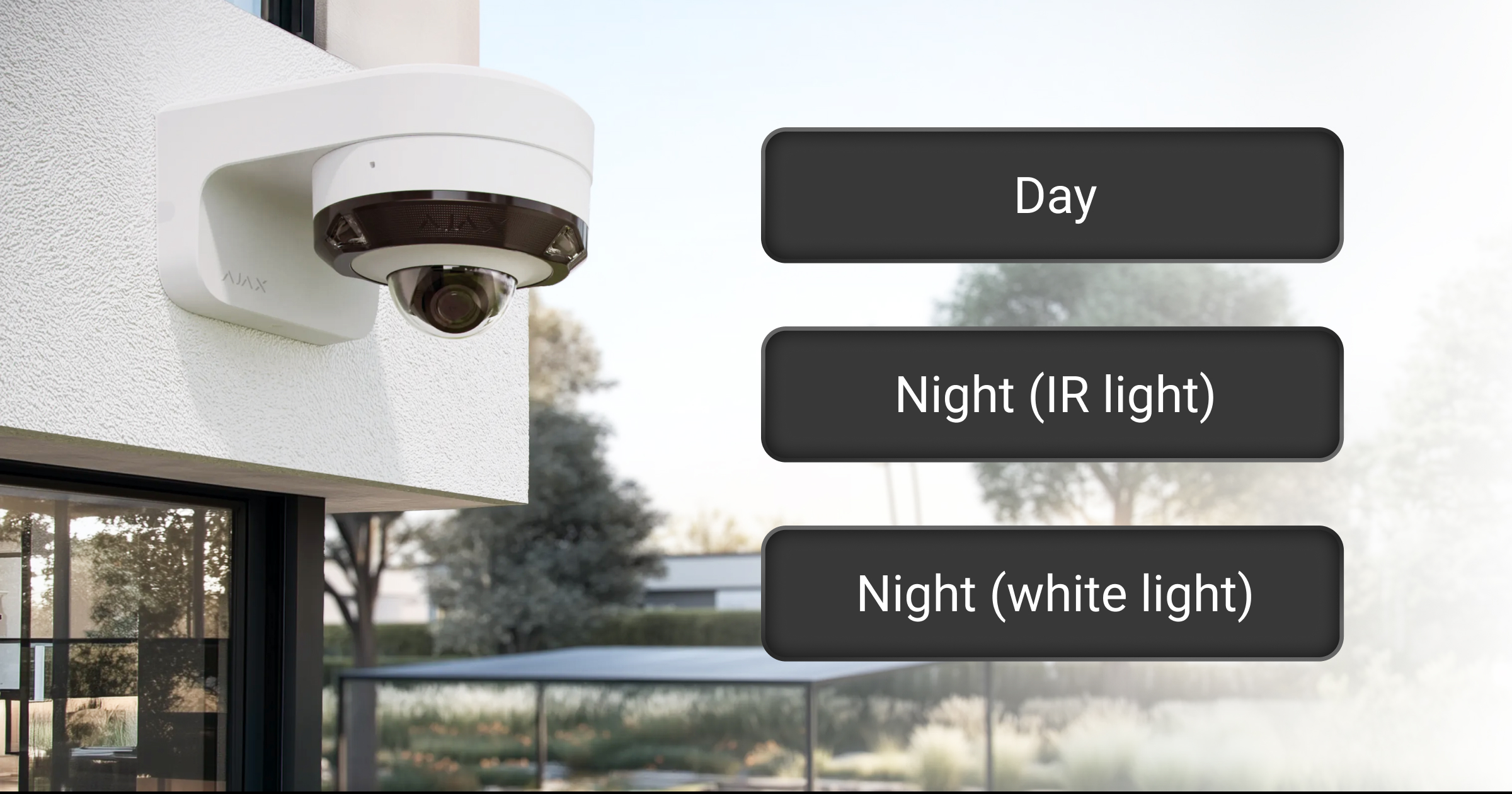
Scene-specific image settings allow you to configure image parameters separately for different lighting conditions. You can set individual parameters for day and night, with IR illumination or white light at nighttime (for supported cameras).
The camera automatically applies the appropriate settings depending on the current lighting conditions or illumination mode, ensuring consistent image quality in each scene.
System requirements
Scene-specific image settings are available with the following firmware versions:
- All wired Ajax cameras — 2.571 or later,
- DoorBell and IndoorCam — 2.563 or later.
To use Scene-specific image settings, update your Ajax app to the following or later version:
- Ajax Security System 3.41 (iOS/Android),
- Ajax PRO: Tool for Engineers 2.41 (iOS/Android),
- Ajax Desktop 5.41 (Windows/macOS),
- Ajax PRO Desktop 5.41 (Windows/macOS).
Configuring scene-specific images
In Ajax apps:
- Go to the Devices
 tab.
tab. - Select the camera or video doorbell in the list. Optionally, if the video device is connected to the video recorder, find NVR, tap Cameras, and select the camera or video doorbell.
- Go to the device states by tapping the gear icon
 .
. - Tap the gear icon again to open Settings.
- Go to the Image menu.
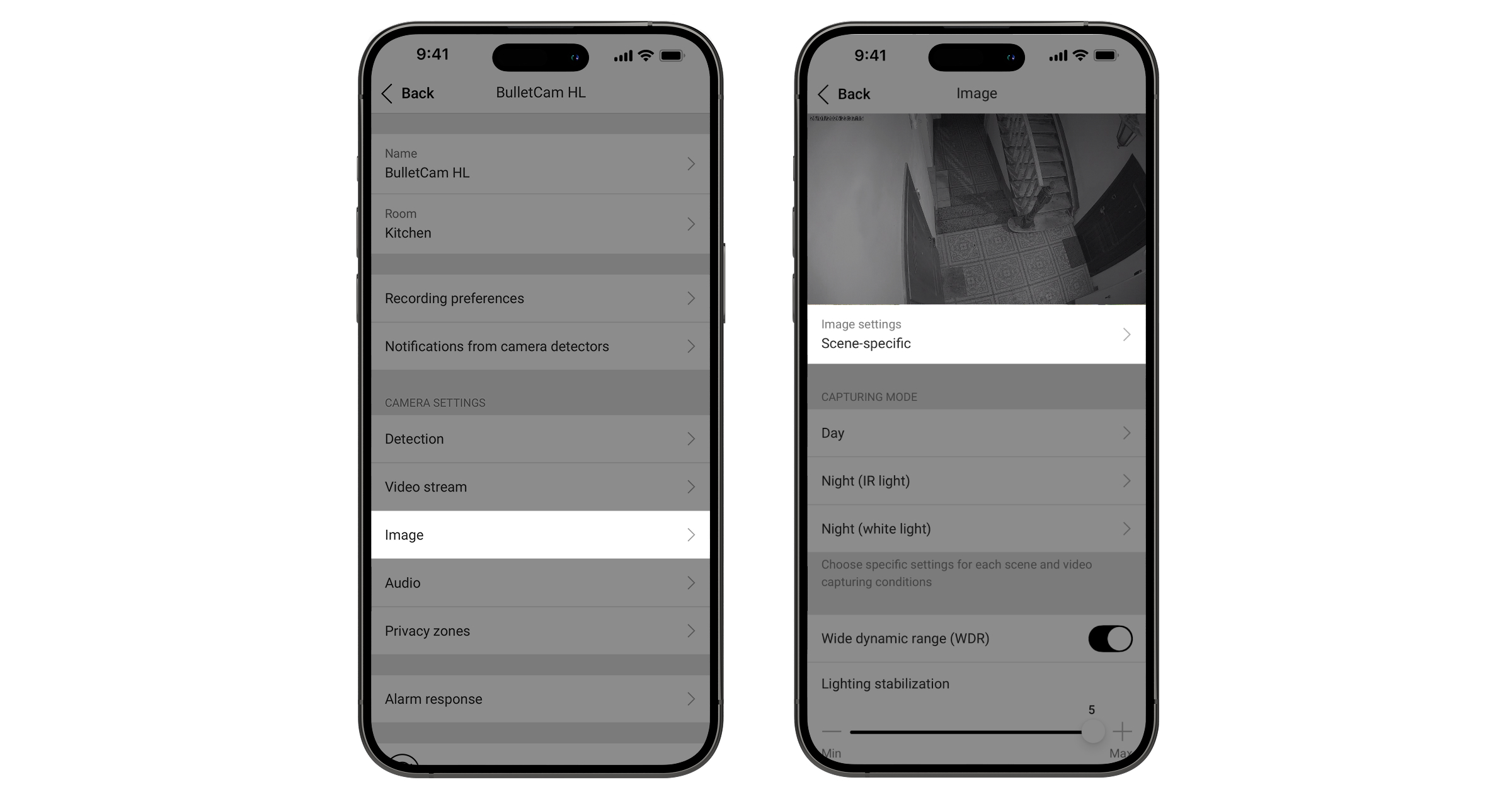
- Go to the Image settings menu.
- Select Scene-specific.
- Choose image settings for each scene and capturing conditions.
- Tap Back to save the new settings.
Image settings available for a specific scene
To configure image settings for specific lighting conditions, tap the corresponding Capturing mode menu:
- Day
- Night (IR light)
- Night (white light) — available for cameras with hybrid illumination only
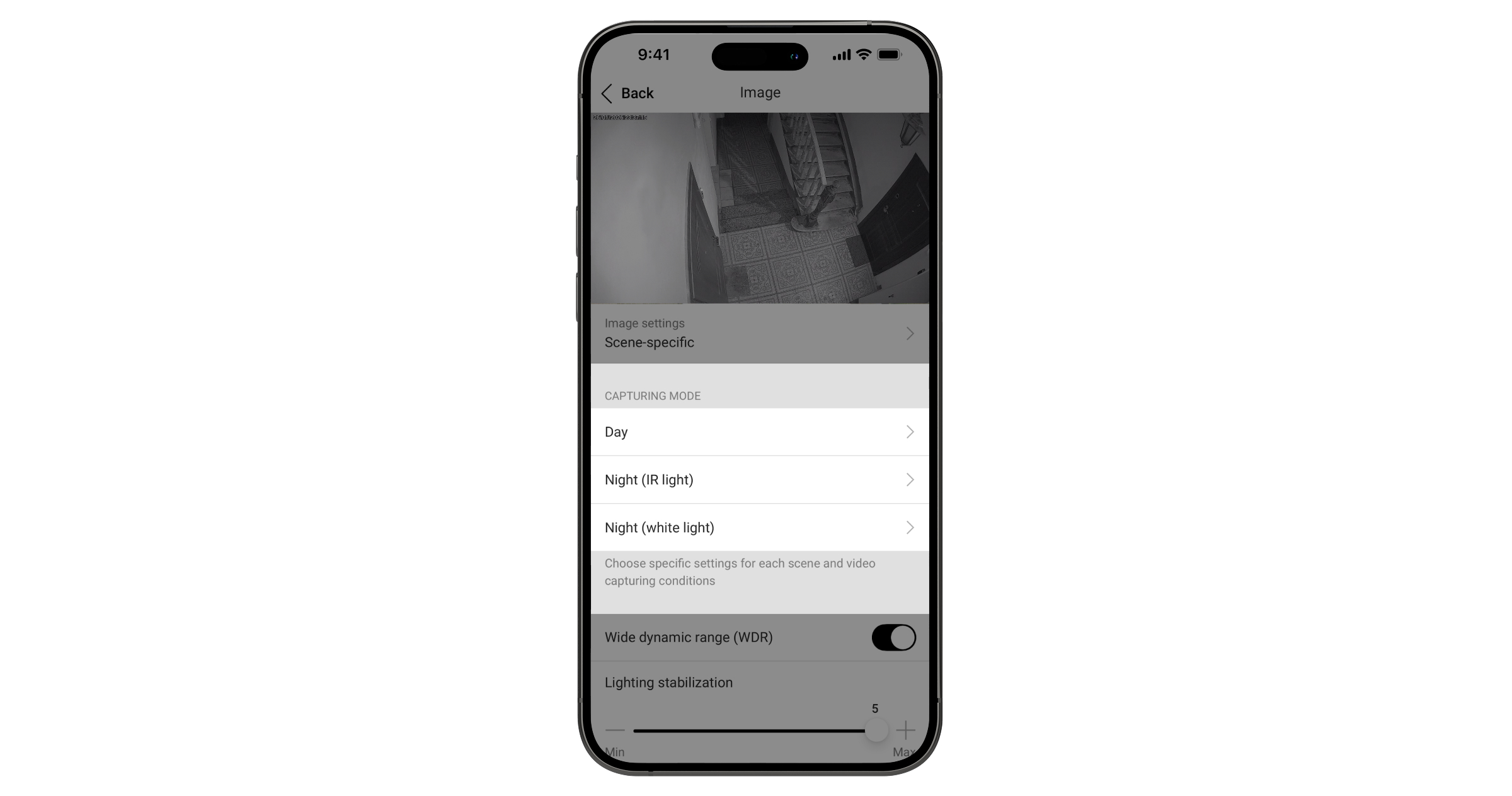
If a scene looks acceptable in one lighting condition but requires improvement in another, you can adjust the image parameters separately for each capturing mode. This allows you to fine-tune the image for different lighting conditions and achieve optimal results without compromising other scenes.
The following parameters can be configured for each capturing mode:
| Settings | Meaning |
| Vivid mode: Color intensity style |
Turned display settings for a warmer, brighter, and richer image beyond the natural tone. The setting is not available for the Night (IR) light capturing mode. |
| Brightness | Adjusting the image brightness. |
| Color saturation | Adjusting the image сolor saturation. |
| Sharpness | Adjusting the image sharpness. |
| Contrast | Adjusting the image contrast. |